Homeschooling, Quebec
Traces of learning organised & paperwork made simple
Photographing what your children do, day after day, then producing the documents the Direction de l'enseignement à la maison asks for, simply. Everything is saved on your device, and no personal data is sent anywhere else (except to your own cloud, if you decide to set it up for automatic backups).
Free, no account, no app store. The demo is filled with a made-up family: you can touch everything without breaking anything.
Day to day
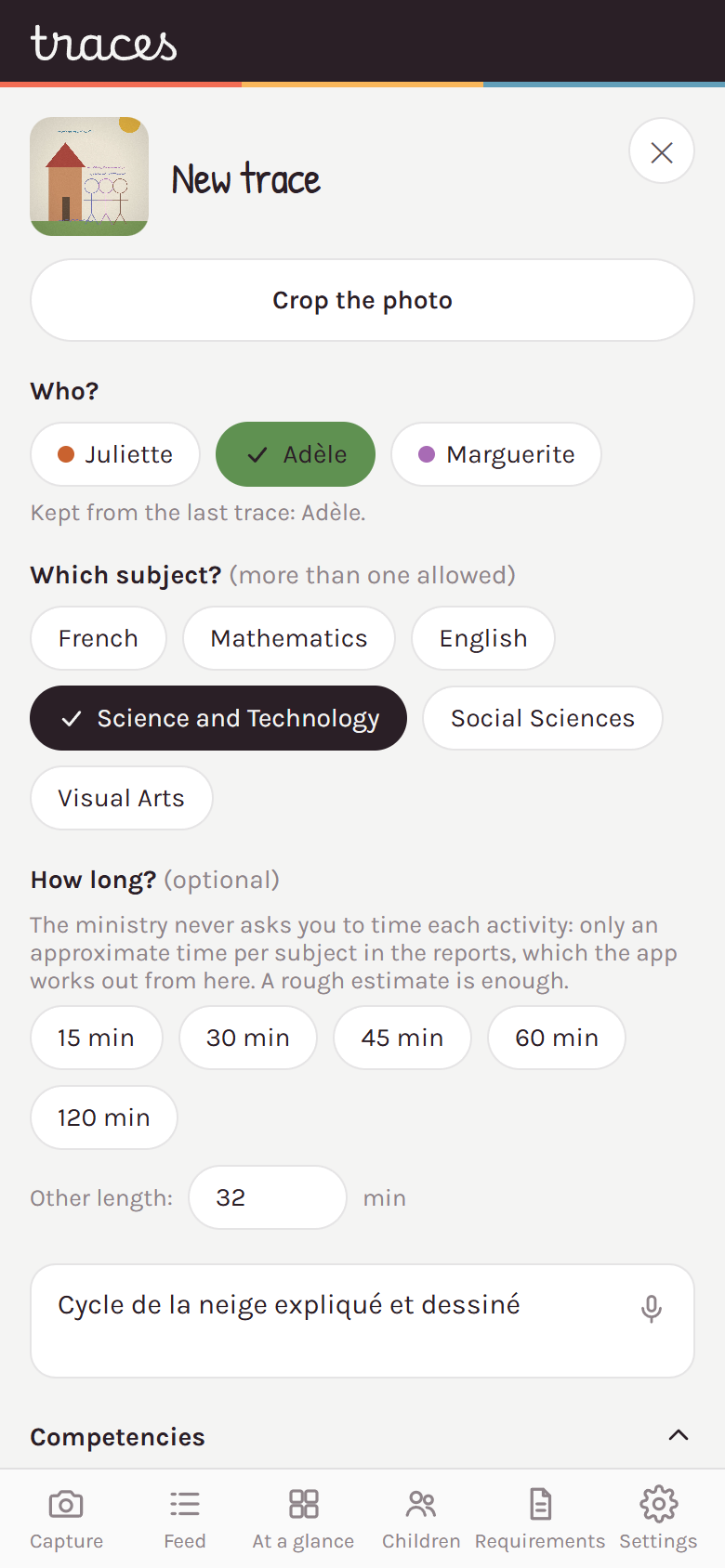
The home screen is the camera. You take the photo, you tick who and which subject, you write a line about what was done. One trace can cover several children and several subjects at once: a museum outing counts in social studies and in French, for the three children who were there.
If the moment is not right, take the photo and leave the rest blank. The trace shows up in the feed as « to finish » and waits. Nothing is lost, and nothing waits on the network: capture is local first.
That leaves the question that makes people give up: which competency of the program do I tick? A file to attach to your AI answers in your place, from what you tell it.
What has to be submitted
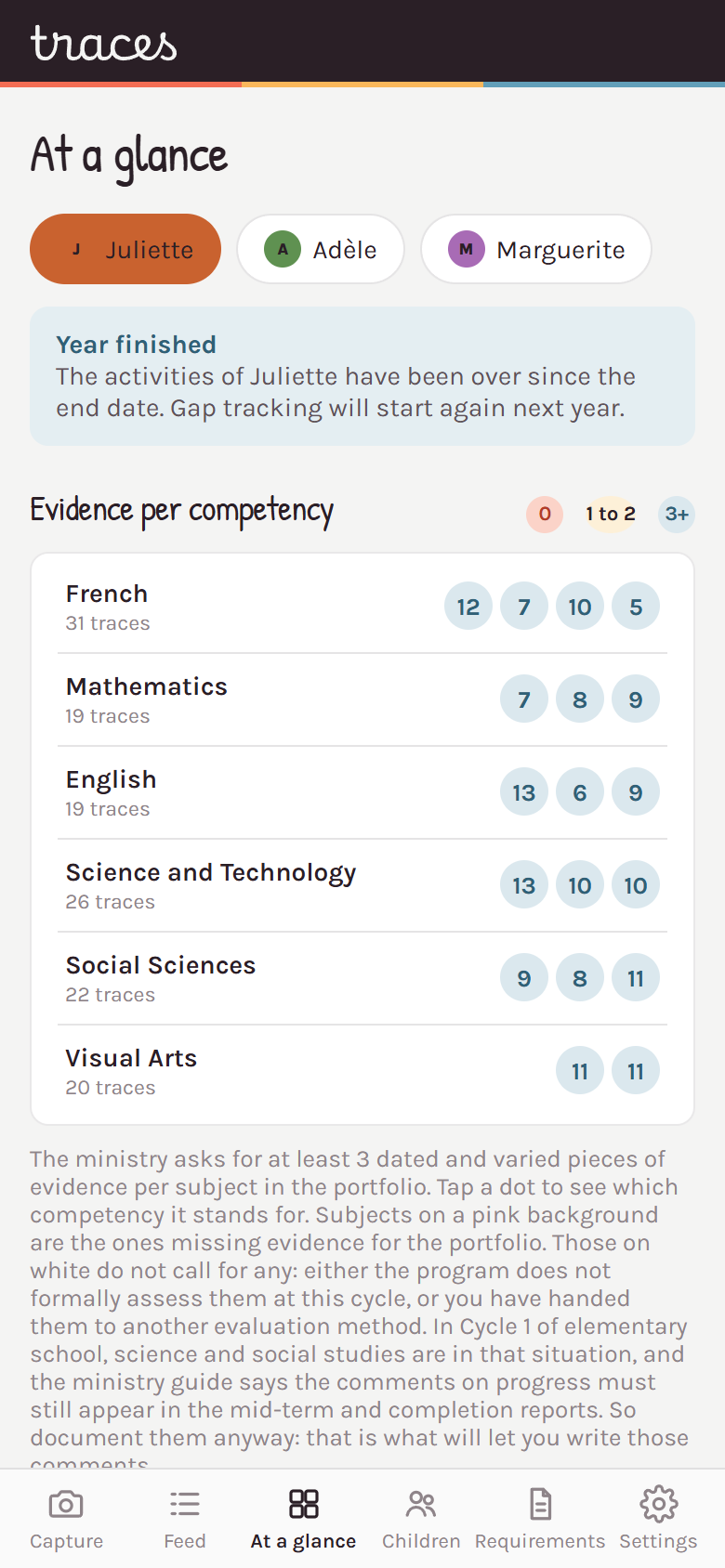
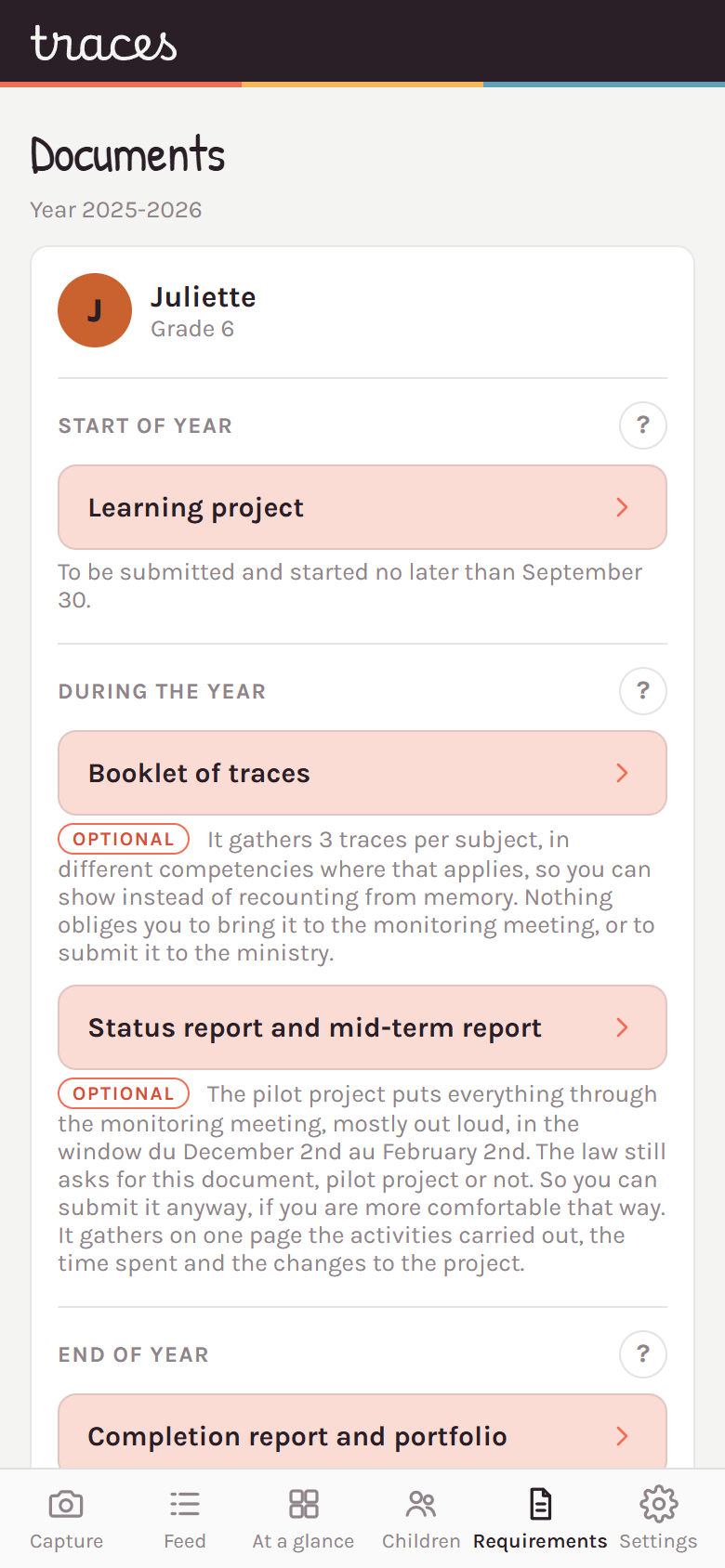
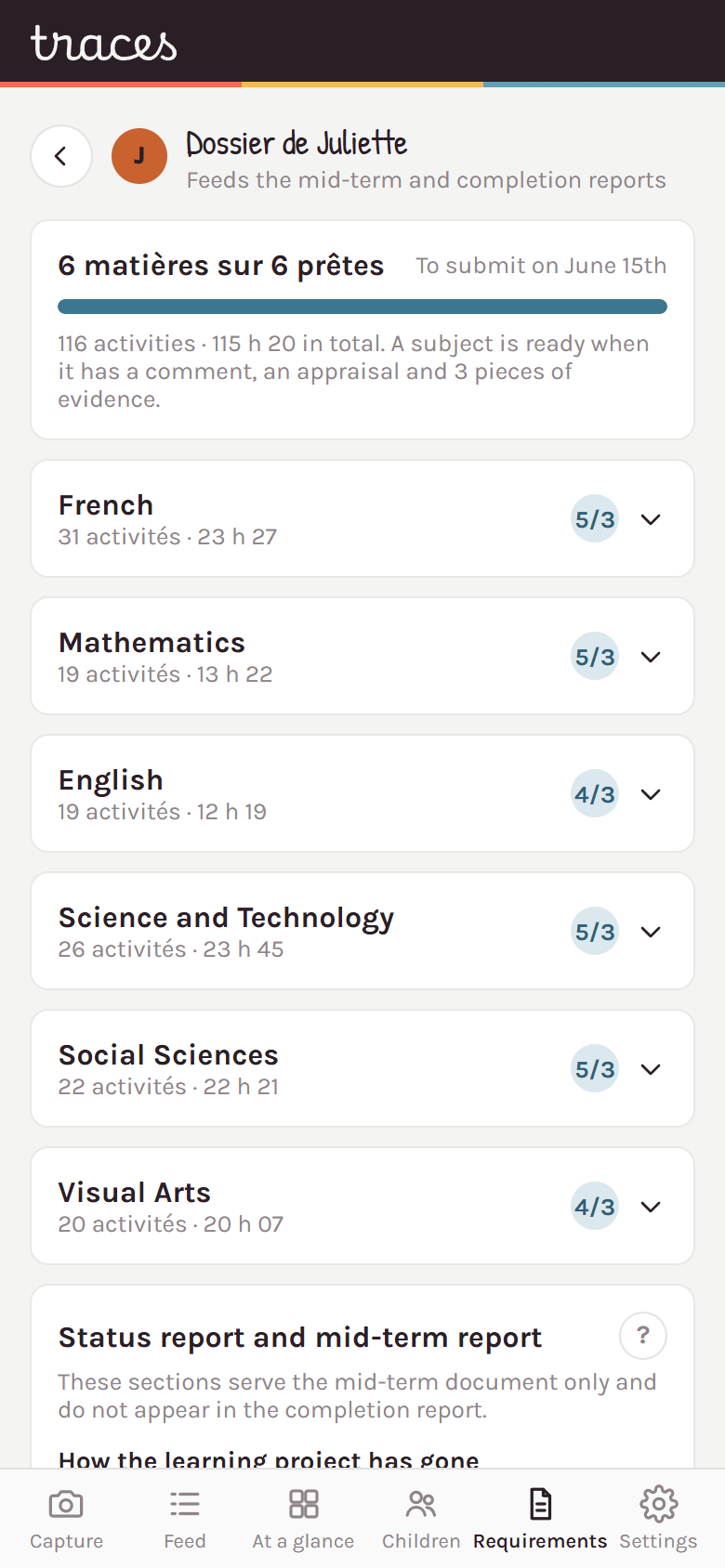
Four documents, each coming out as a PDF through its print button. The learning project is filled in by ticking, at the start of the year. The other three are built from your traces: the app pulls in the activities, the time and the evidence. The « ? » on each section quotes the ministry requirement it answers.
To submit and put under way no later than September 30. It is built by ticking types of activity per subject, each tick spelled out in your own words.
Nothing obliges you to bring it to the monitoring meeting, but arriving with three traces per subject, already chosen and printed, changes the meeting: you show instead of recounting from memory. « Choose for me » picks them from different competencies, and you swap out the ones you would rather present another way.
The pilot project puts everything through the monitoring meeting, out loud. So this document is not required anywhere. It stays very useful: it gathers on one page the activities carried out, the time spent and the changes to the project, none of which comes back to you from memory in front of someone.
To submit no later than June 15. The report follows the ministry's template. The portfolio has none: its layout is the one from Traces, designed so the evidence reads at a glance. It calls for at least three dated and varied pieces of evidence per evaluated compulsory subject.
What they look like once printed
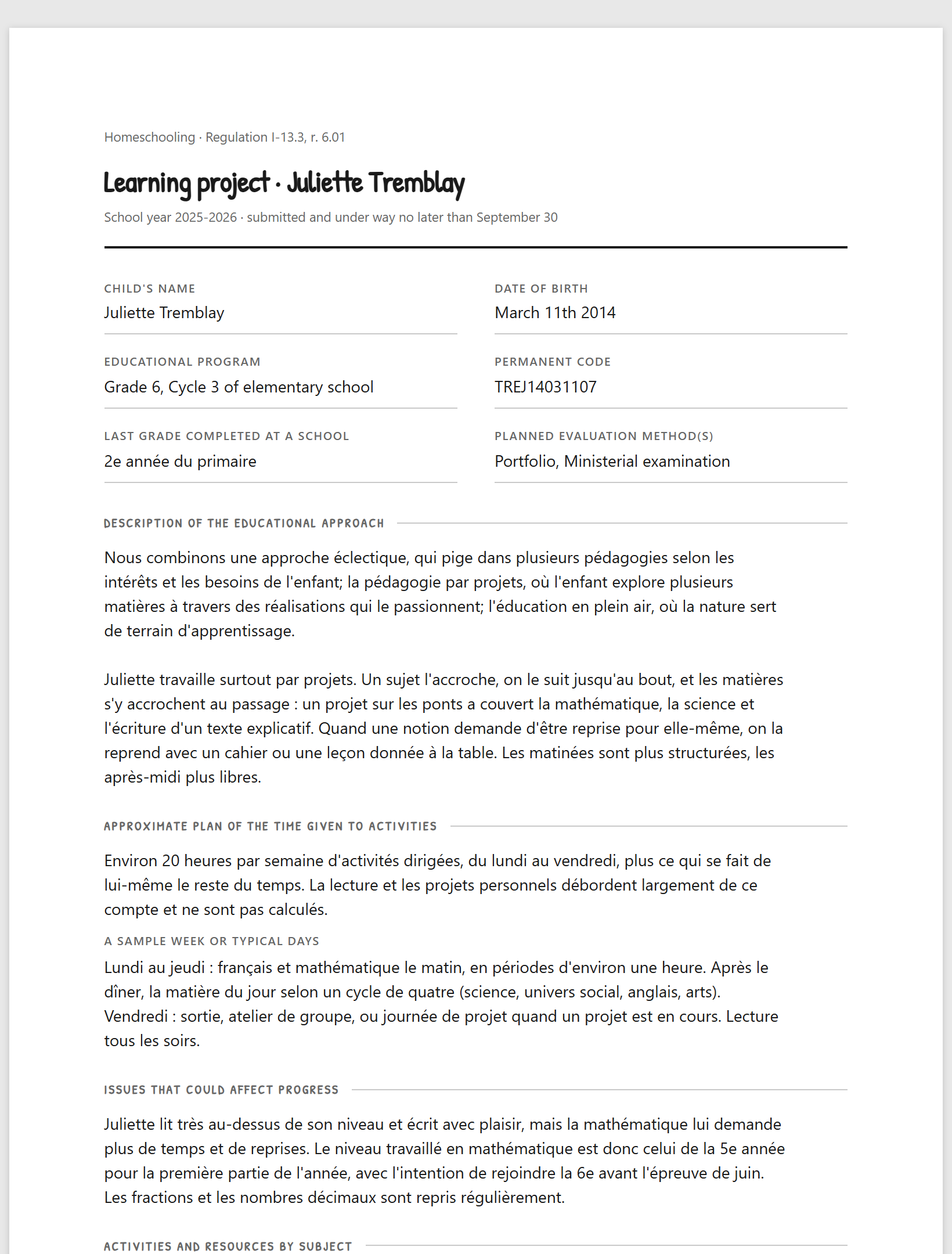
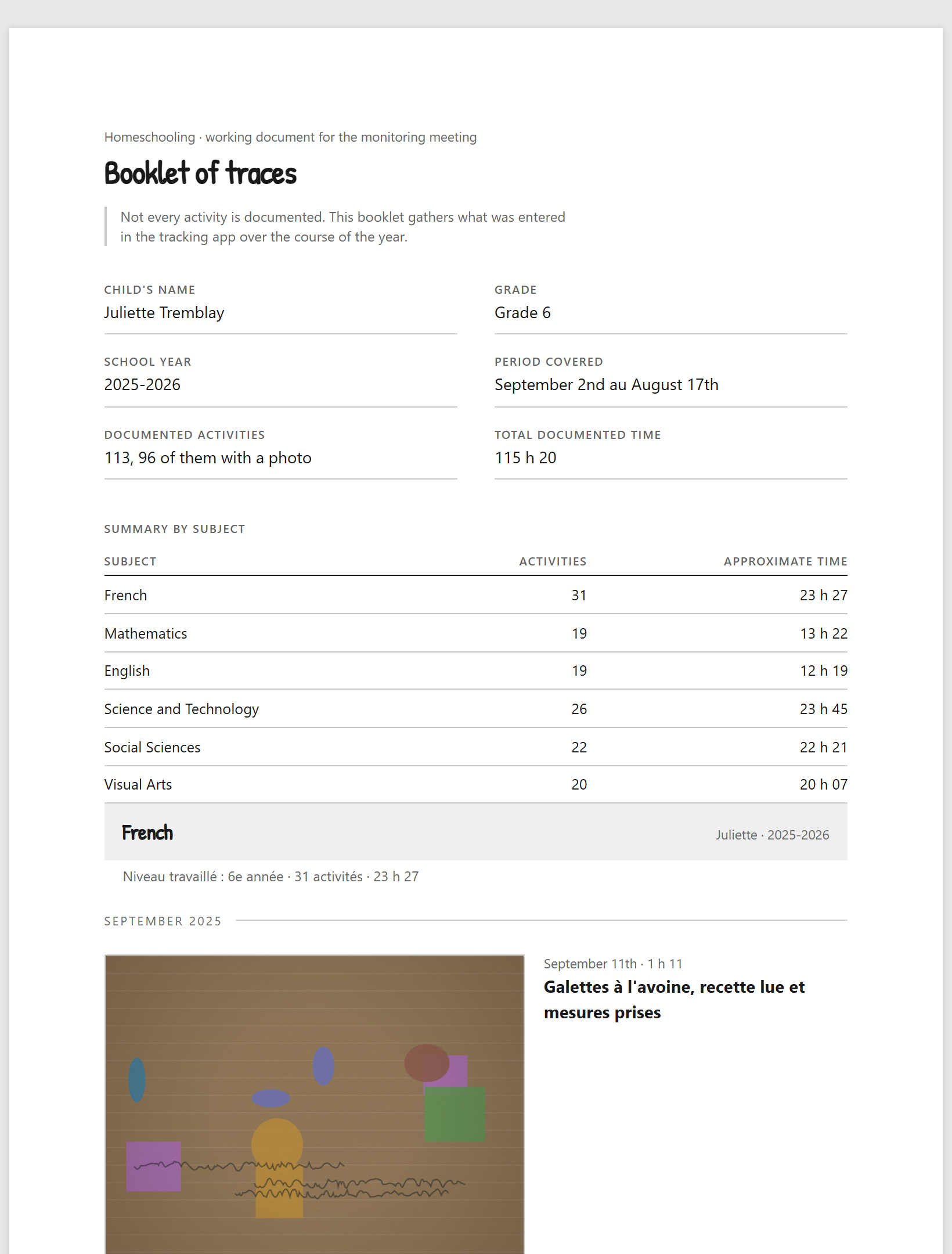
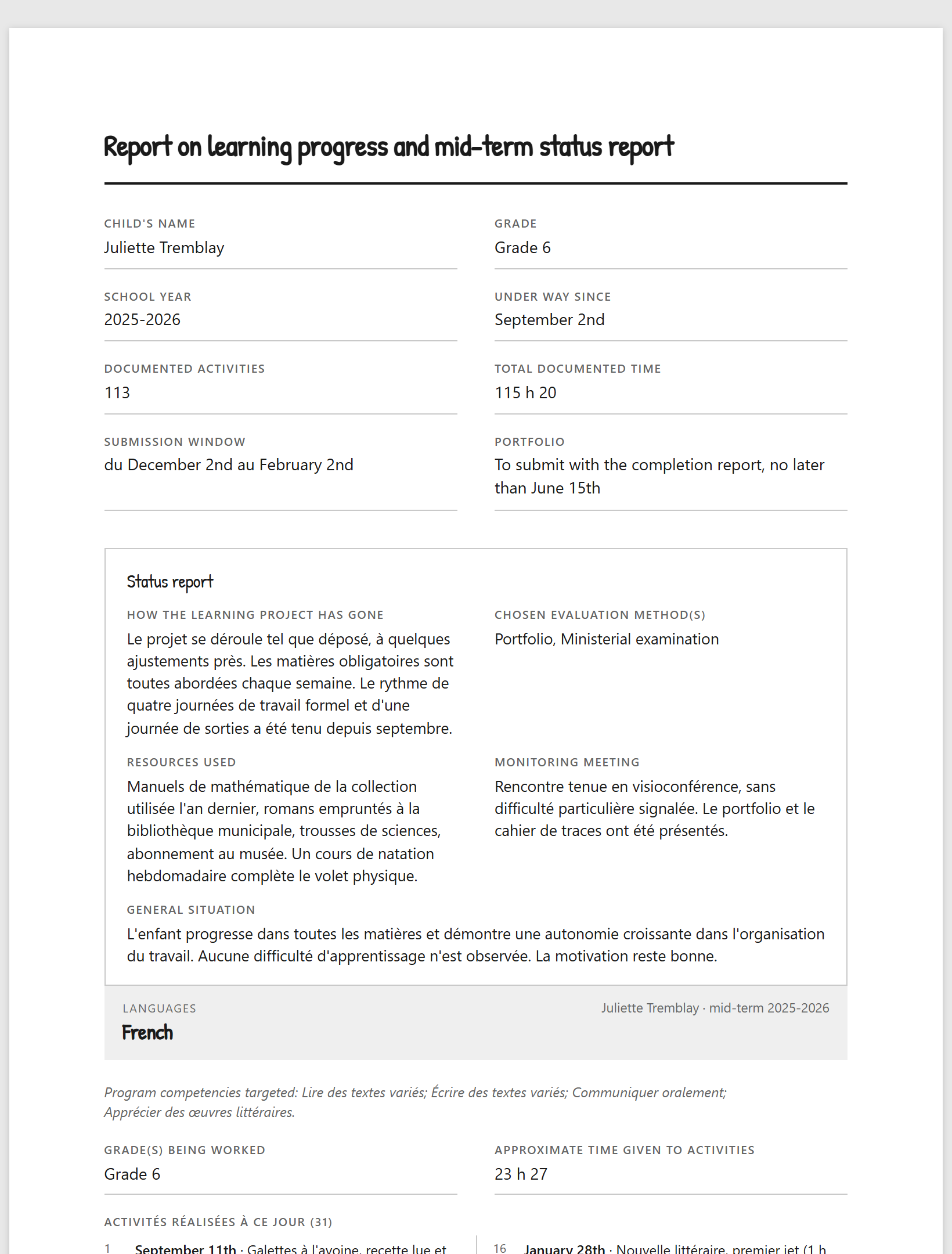
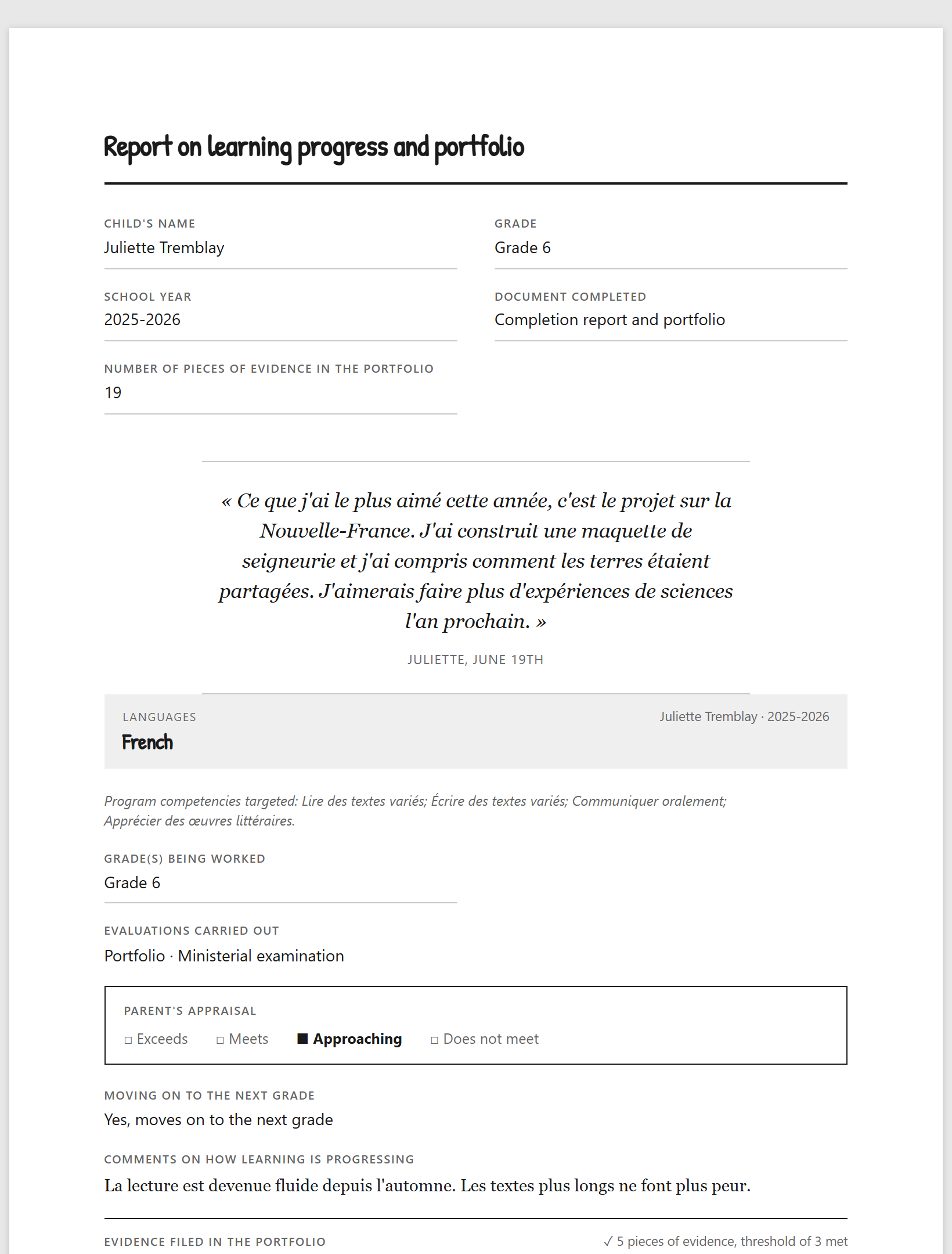
Swipe to see them all. The data is that of the made-up family in the demo.
What one mother wrote to me
What I find most brilliant is that you make homeschooling easier for a lot of parents who, like me, have plenty of ideas and a lovely rapport with their child, but who struggle to find the time to manage the traces of their teaching.
I often felt lost in the process of « putting together » the portfolio and my reports… and yet, in meetings, my assessors thought I had such lovely projects… For me it was always hard: but not any more, thanks to this wonderful app you created, which helps me manage the chaos in my head! 😌
Thank you for this, I feel this year will be so much lighter for me: you take away the load that was making me anxious… and you leave me with all the confidence and love I have to give to my homeschooling 😊💕
Privacy
There is no account, no sign-up, no advertising, no tracker. The traces, the photos and the children's names live in your device's browser. Nobody else has access to them, myself included.
Four things leave, and only those four:
Backing up is your responsibility. Clearing the browser data, reinstalling the system or losing the device wipes everything, and nobody can give back what is gone. The app produces a full backup file, photos included, and shows at every opening how long it has been since you last made one.
Install
Traces is a web page that installs like an app. Once on the home screen, it opens full screen, starts fast and works without a network.
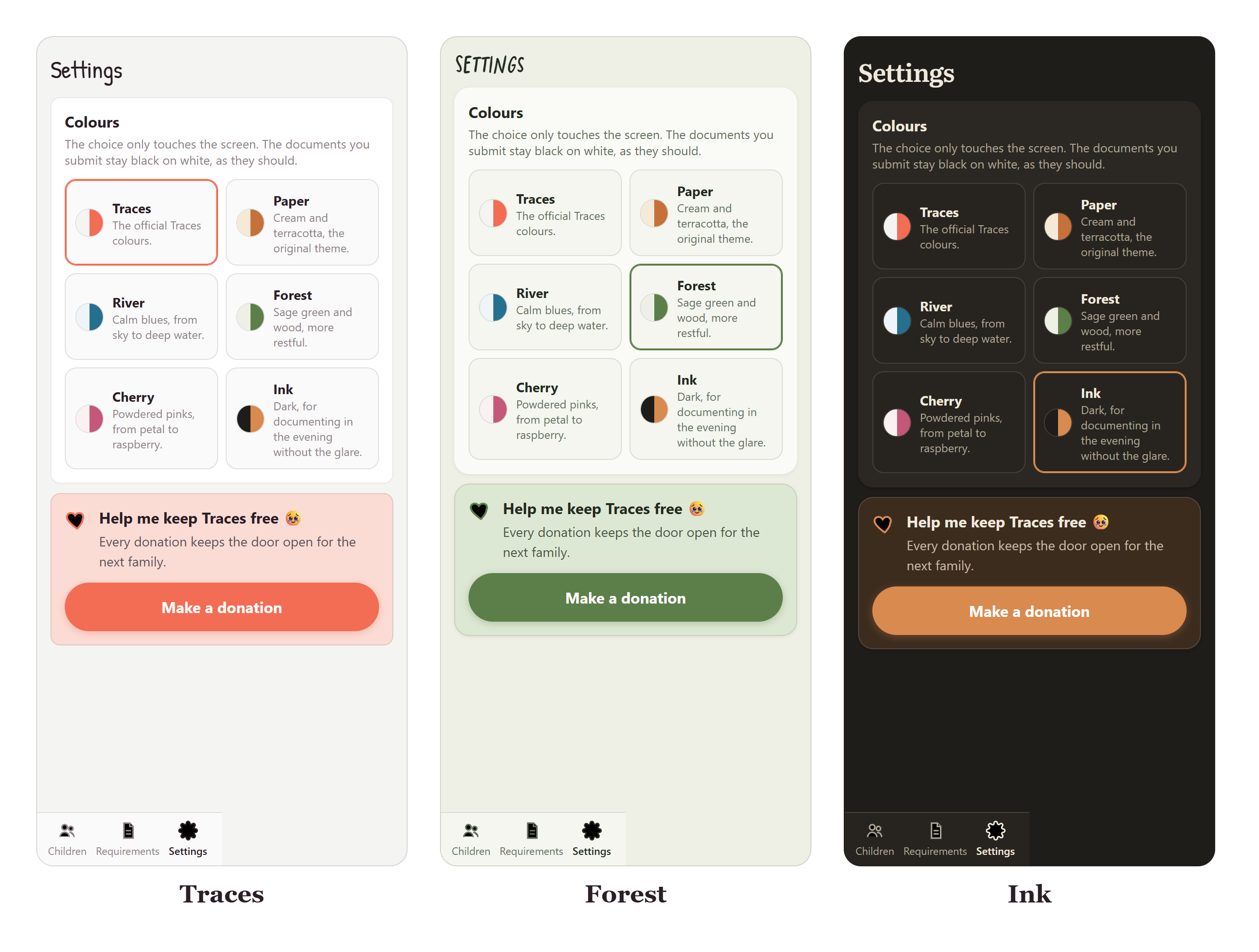
Get started
You open it, you add your children, and you can document your first trace today.
Support
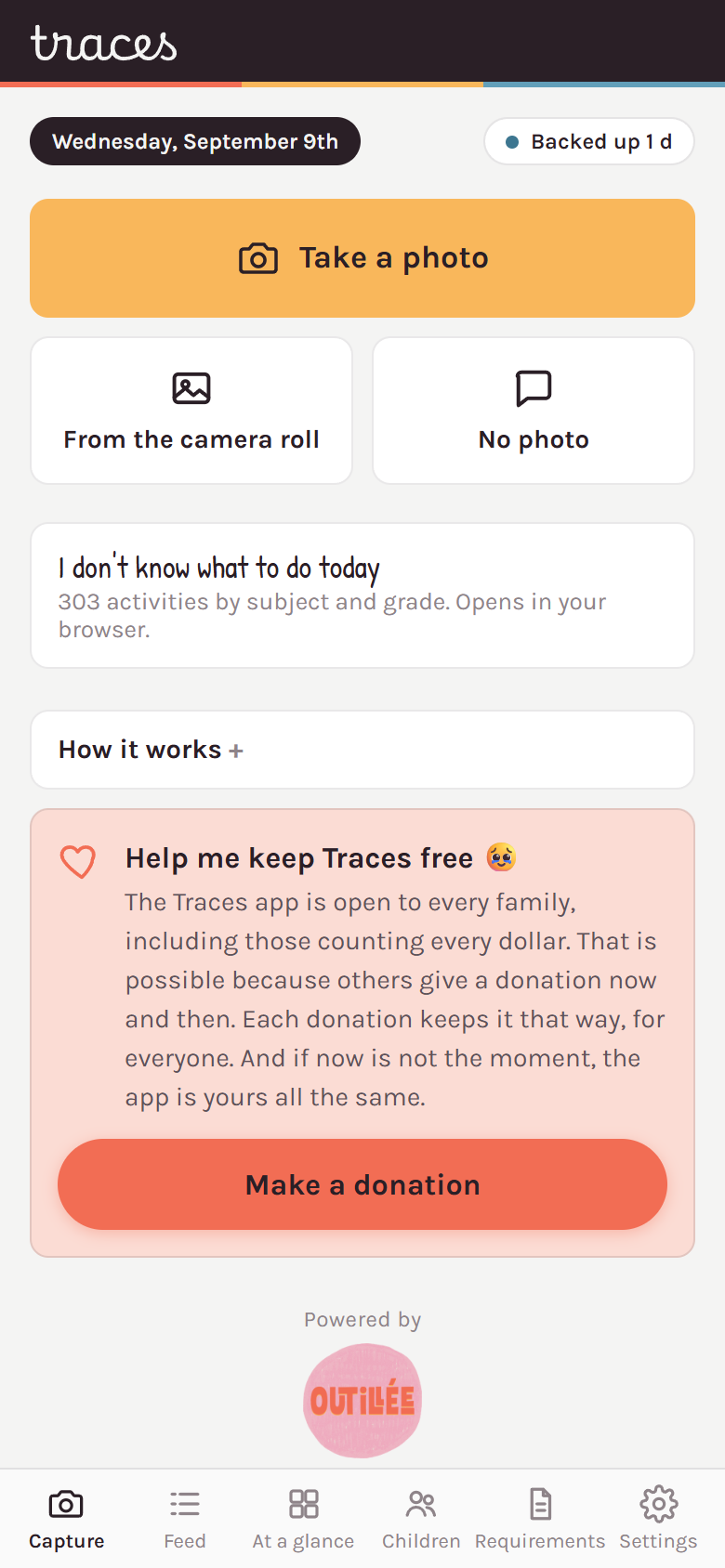
The Traces app is open to every family, including those counting every dollar. That is possible because others give a donation now and then. Each donation keeps it that way for everyone, and gives me the breath to build more.